
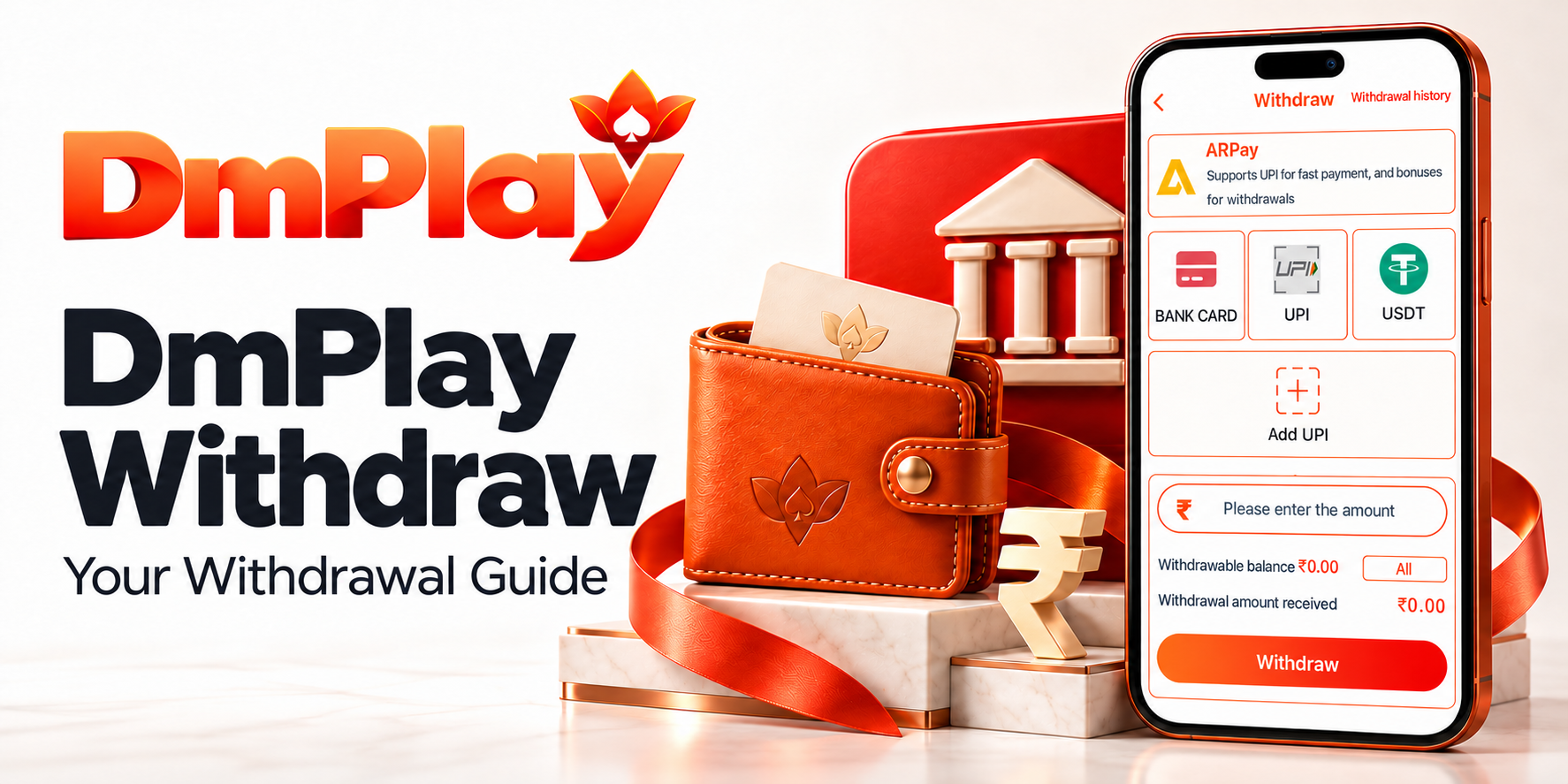
DmPlay Withdraw – Your Guide to Withdrawal Requests
Find the information you need to request a withdrawal from your DmPlay account. Start at the official website, sign in and open the account’s withdrawal section to review the options currently available to you.
Before submitting a request, check your eligible balance, payment details and the conditions displayed. Keeping these details accurate helps avoid preventable errors and makes your request easier to follow.
Where to Find the DmPlay Withdrawal Section
Begin at dmplayofficial.com, the official website address supplied by DmPlay, and use the published Login route to access your account.
Look for Withdraw within the wallet or account area. Menu names can vary, so follow the options shown in your current account. If the withdrawal option is missing or unavailable, ask customer service to explain the reason.
How to Request a DmPlay Withdrawal
Step 1: Sign In to Your Account
Open the published login destination and enter the credentials connected to your existing account. Check the address before entering private information, especially if you followed a shared link.
Step 2: Open Withdraw
Find the withdrawal option in the wallet or account section. Read any notices about service availability, account checks or pending requests before continuing.
Step 3: Review Your Eligible Balance
Check the amount identified as available for withdrawal. A total wallet balance may include promotional credit or other amounts with separate conditions.
Step 4: Choose an Available Withdrawal Method
Select a method shown on your current withdrawal screen. Do not assume that every deposit method also supports withdrawals.
Step 5: Check Your Payment Details
Enter or select the payment details requested for that method. Review the recipient information carefully before confirming it.
Step 6: Enter the Withdrawal Amount
Enter an amount within your eligible balance and the limits displayed for the selected method. Review any applicable charges and the amount expected to reach the payment destination.
Step 7: Review and Submit
Check the amount, payment destination and applicable conditions once more, then submit the request using the confirmation option shown.
Step 8: Follow the Request Status
Open the relevant transaction history or status page, if available, to follow the request. Read any explanation attached to a pending, unsuccessful or completed status.
DmPlay Withdrawal Methods, Limits and Fees
The current withdrawal screen is the place to confirm supported methods, minimum and maximum amounts, fees and any frequency restrictions.
Availability may depend on the service, account and payment provider. If a condition is not clearly displayed, ask customer service before submitting your request.
How Long Does a DmPlay Withdrawal Take?
A fixed processing time has not been confirmed for this guide. Check the estimate published for your selected method and distinguish it from a guaranteed completion deadline.
Account verification, payment-provider handling or a technical issue may affect a request. If the stated period passes, ask support for the reason, the next action required and an updated expected timeline.
Avoid making another deposit or submitting repeated withdrawal requests simply because the first request is pending.
Withdrawal Conditions and Promotional Credit
Read the terms attached to promotional credit separately from the conditions for deposited or otherwise withdrawable funds.
If a restriction affects your request, ask which condition applies and how the balance has been calculated. Do not assume you must continue gambling to resolve a payment issue.
Be cautious about anyone asking for an additional transfer, a payment to a personal account or an “unlock fee” to release a withdrawal. Confirm unexpected requests through the published customer service route before acting.
Get Help With a DmPlay Withdrawal
For withdrawal enquiries, open DmPlay Customer Service Live Chat. Include the request reference, amount, submission time and status shown in your account.
You can also contact Teacher Lilly on Telegram for guidance on finding the appropriate support route.
Keep screenshots and correspondence together, removing sensitive details before sharing them. If the issue remains unresolved, request the formal complaint procedure. Internal support does not remove any rights to contact your payment provider or seek an available legal remedy.
Great entertainment starts with choice, and DM Play brings that choice to you. Explore Wingo, Aviator, K3, 5D, slots, live sports, fishing game, and card games in one online gaming platform. Whether you enjoy colourful number games, themed slots, or familiar card formats, discover a collection that gives you more ways to enjoy your entertainment time.
At DM Play, we make discovery straightforward. Browse game categories, learn how different formats work, and find practical account guidance from one convenient starting point. Clear information helps you explore with confidence and choose what suits your interests.
Review Your Details and Stay Informed
A withdrawal request starts with understanding your balance and checking the payment destination. Review the current conditions, retain your reference and use the published support channel if something needs attention.